
Our use of cookies

We use necessary cookies to make our website work. We’d also like to use analytics and functional cookies which help us make improvements to the website by measuring how you use it, and to enable our website to offer you additional functionality.

More information on how we use cookies can be found in our cookie policy.
Optoma Smart Control

Optoma Smart Control

Intelligent Control at Your Fingertips

The Optoma Smart Control mobile app enables effortless setup, intuitive control, and smart screen alignment for your Optoma devices — all from your mobile device.
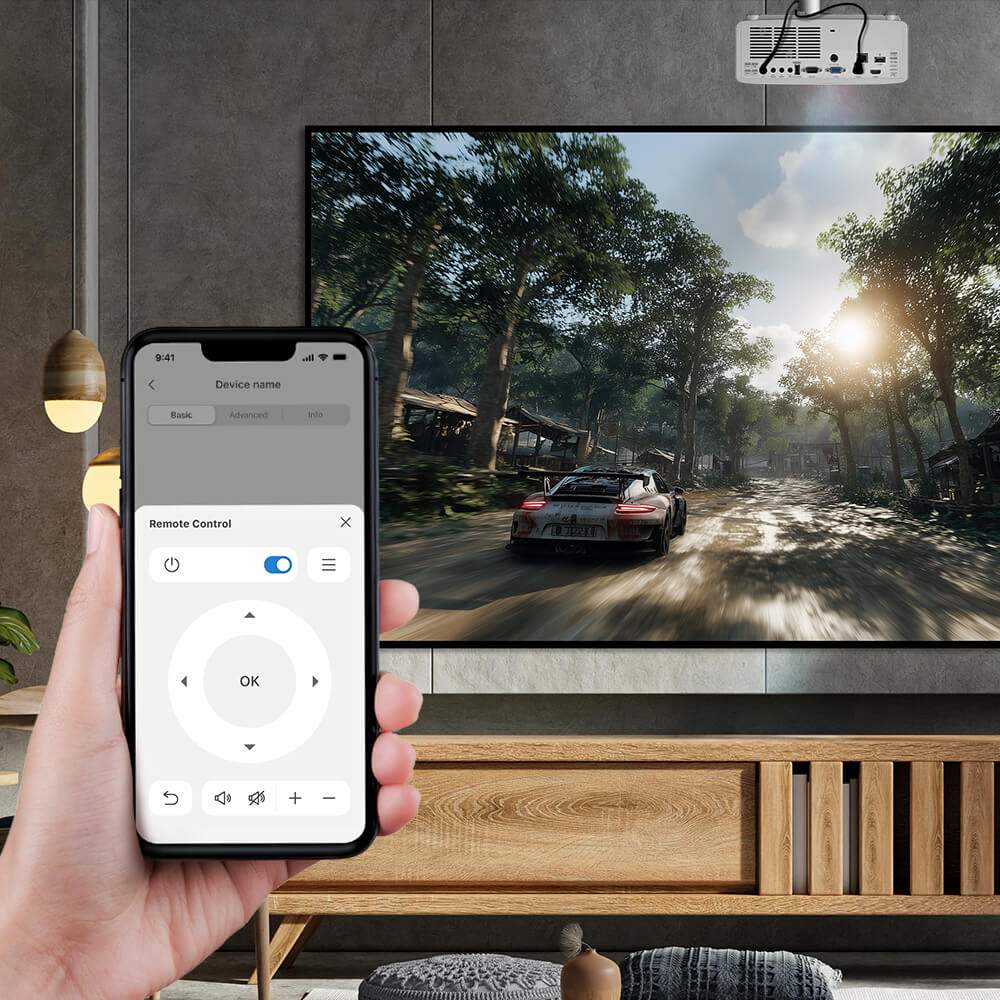
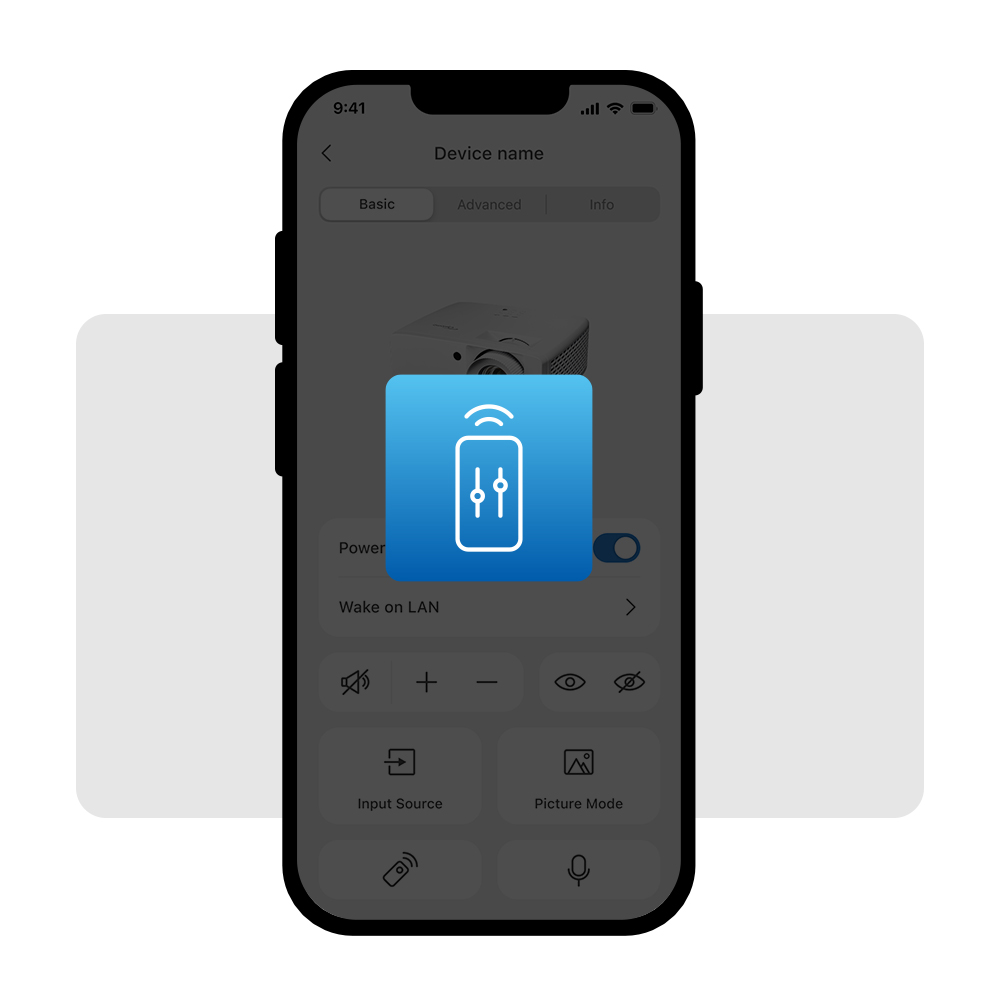
  • Device Control: Effortlessly control your Optoma projectors and displays, all from the convenience of your mobile device.
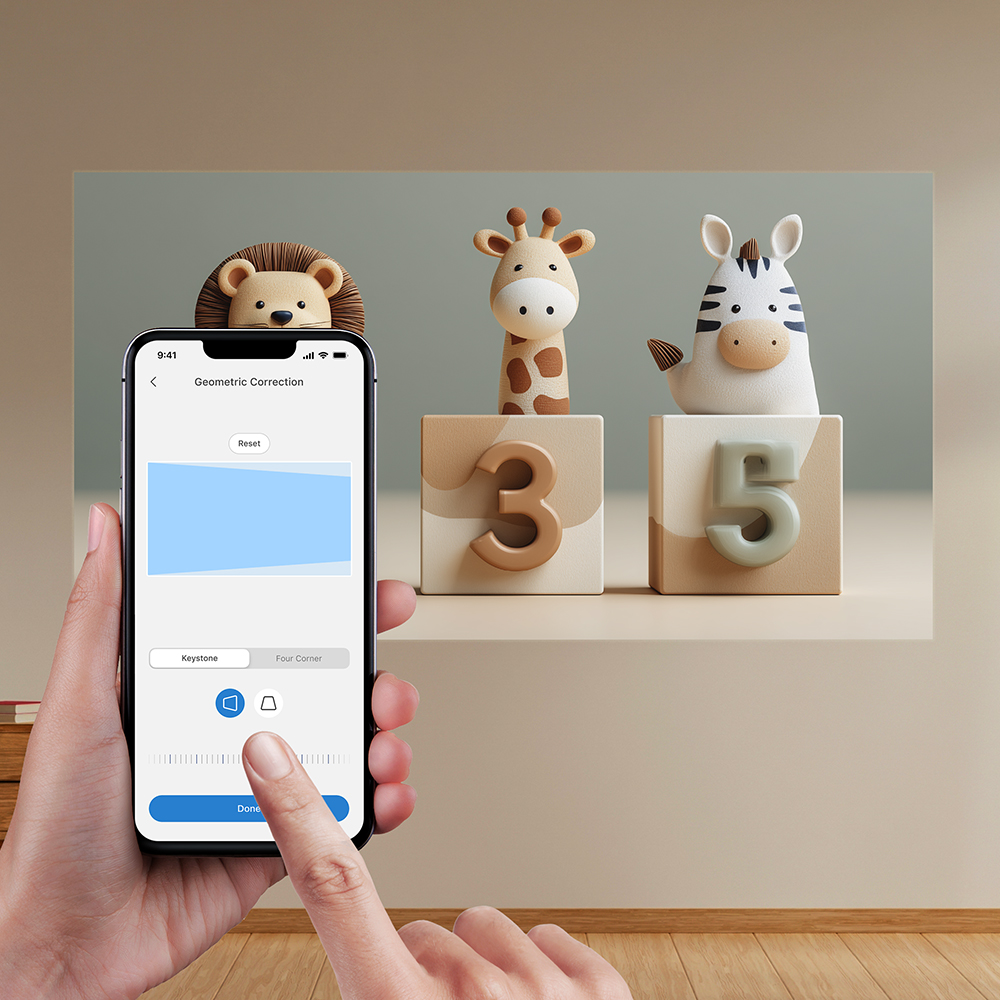
  • Auto-Screen Alignment: Simplify screen alignment with Smart Fit and intuitive geometric correction features (Available for select projectors - see product web pages for details).
  • Quick Troubleshooting: Stay informed with real-time alerts for fan, temperature, network, and power status to maintain smooth, reliable performance.
  • Dedicated Golf Mode for GSPro Players: Purpose-built display mode optimized for golf simulators, delivering a more realistic, visually accurate, and immersive experience.
Optoma Smart Control

*Supported features may vary by product. Please refer to the product website for detailed information.

Download the Optoma Smart Control APP

Select your mobile operating system. Requires iOS 17 or later; Android 12 or later.
Download the Optoma Smart Control APP Download the Optoma Smart Control APP
Download the Optoma Smart Control APP

Effortlessly Control Optoma devices
in the Palm of Your Hand

Optoma Smart Control app intelligently adjusts screen alignment and makes device control easier across Optoma displays, all from your mobile device. From setup to daily operation, it acts as an intelligent remote, enabling control of key functions, helping users save time and deliver a better viewing experience in any space.
  • Device Control Made Easy

    Device Control Made Easy

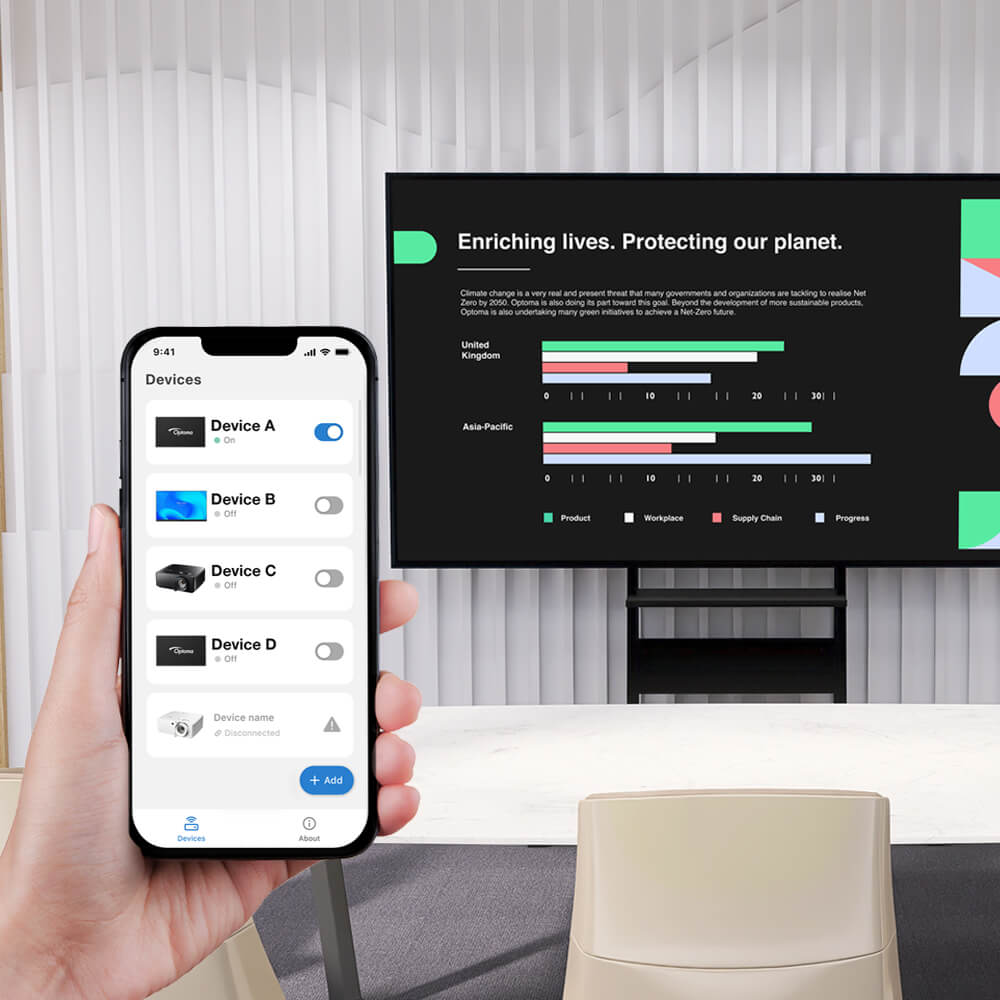
    Effortlessly control your Optoma projectors, AIOs, or LCD displays, all from the convenience of your mobile device.
  • Quick Troubleshooting

    Monitoring & Alert

    Alerts for fan, temperature, network, and power status —ensuring smooth operation at all times.
  • Simplify Installation with Auto Screen Adjustment

    Auto-Screen Adjustment

    Get perfect screen alignment in seconds with smart screen adjustment. Easily switch picture modes and control your device for a more intuitive experience.

Get started with simple setups

Step 1: Download the App

Scan the QR code above to download the app, or search for Optoma Smart Control in your app store.

Step 2: Setup the Device

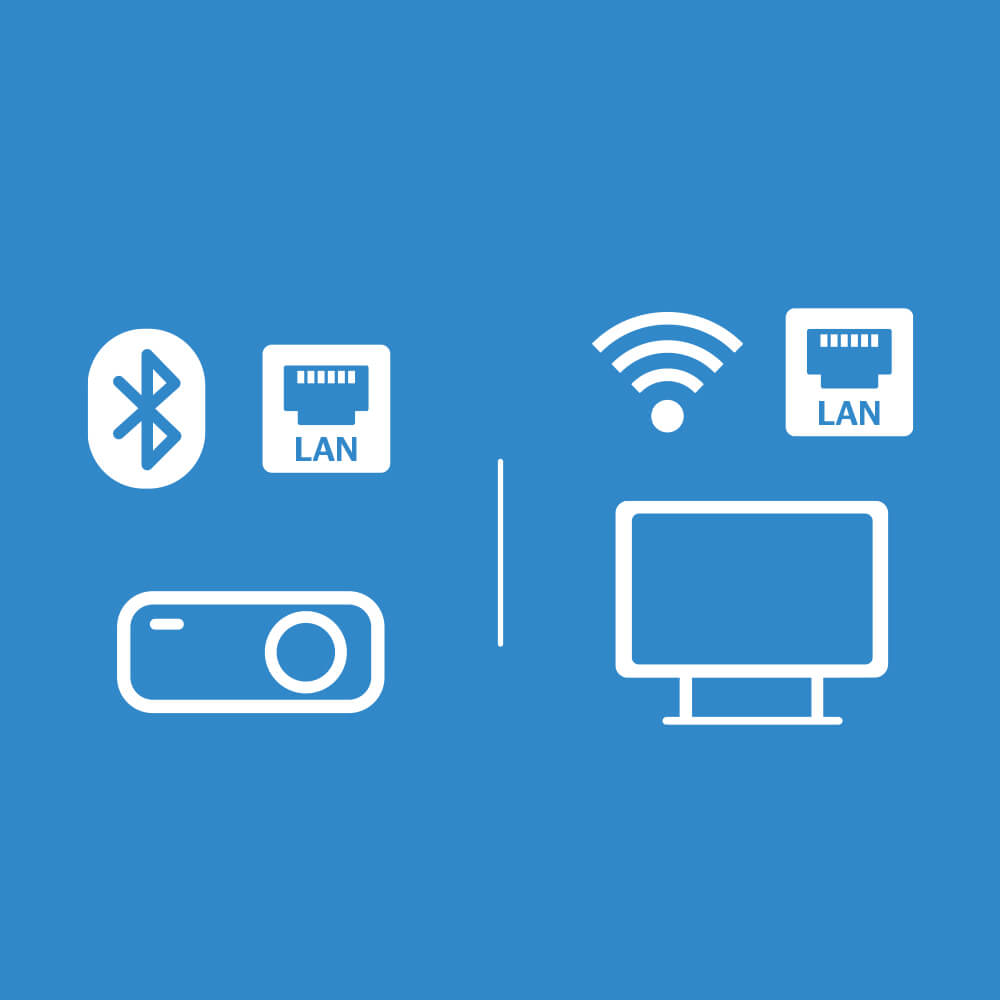
Connect your projector or display to the local network. For projectors, Insert the Bluetooth dongle and ensure it is enabled in the OSD menu. *Bundled accessories may vary by region.

Step 3: Pair Your Device

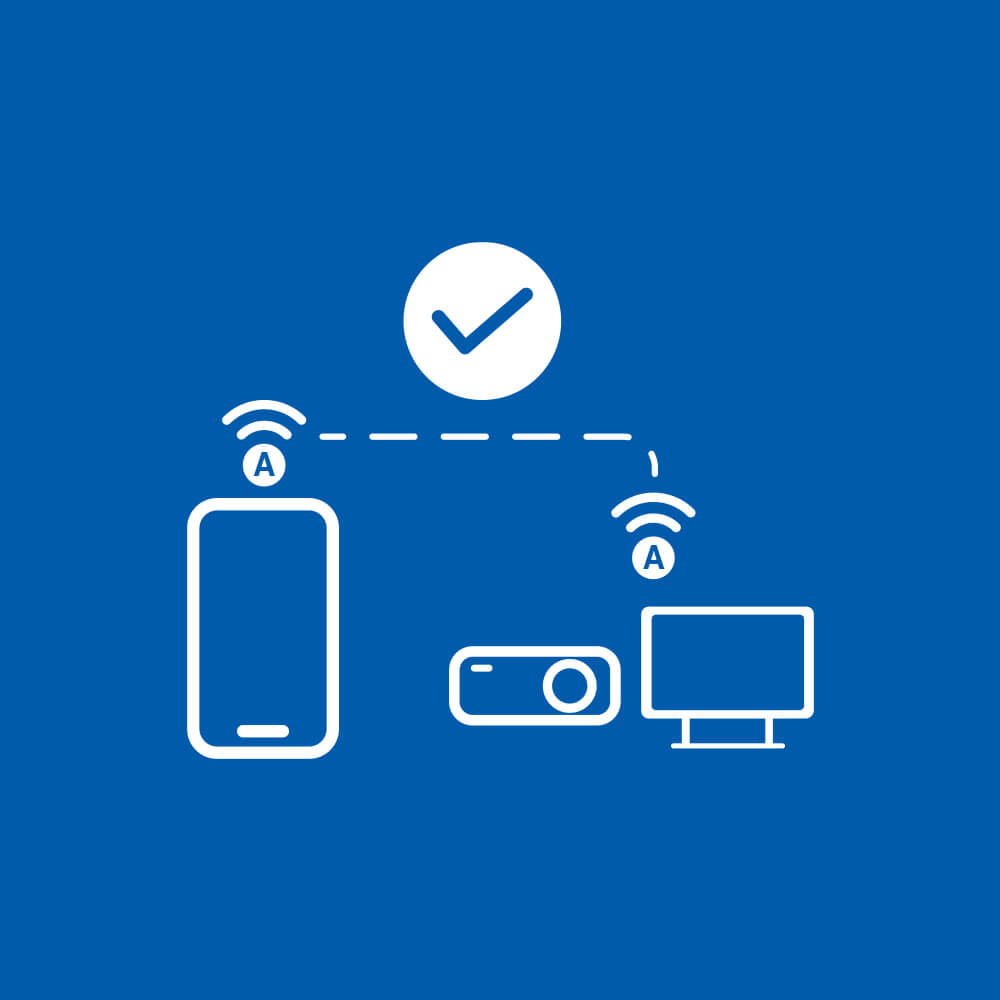
Connect your smartphone to the same network (LAN) or enable Bluetooth, then follow the on-screen instructions to add your device.

View Setup Details

For Projector

- BT Connection -

  1. » Control » Bluetooth ON

  2. Enable Bluetooth ON your phone and find your display (Serial number)

- LAN Setting -

  1. » Power settings » Active

  2. » LAN » DHCP ON

  3. » Control » Telnet ON

  4. Add the device (go to LAN to see device's IP addresses)

For IFP/FP/AIO LED

  1. DHCP ON

  2. Power settings » Active

*Optoma Smart Control supports on-premises management via local networking or bluetooth connections.
*Please visit the Optoma Download Center and refer to the User Manual for detailed instructions.
*Available for select projectors - see product webpages for details.

Effortless Device Control with Just Few Taps

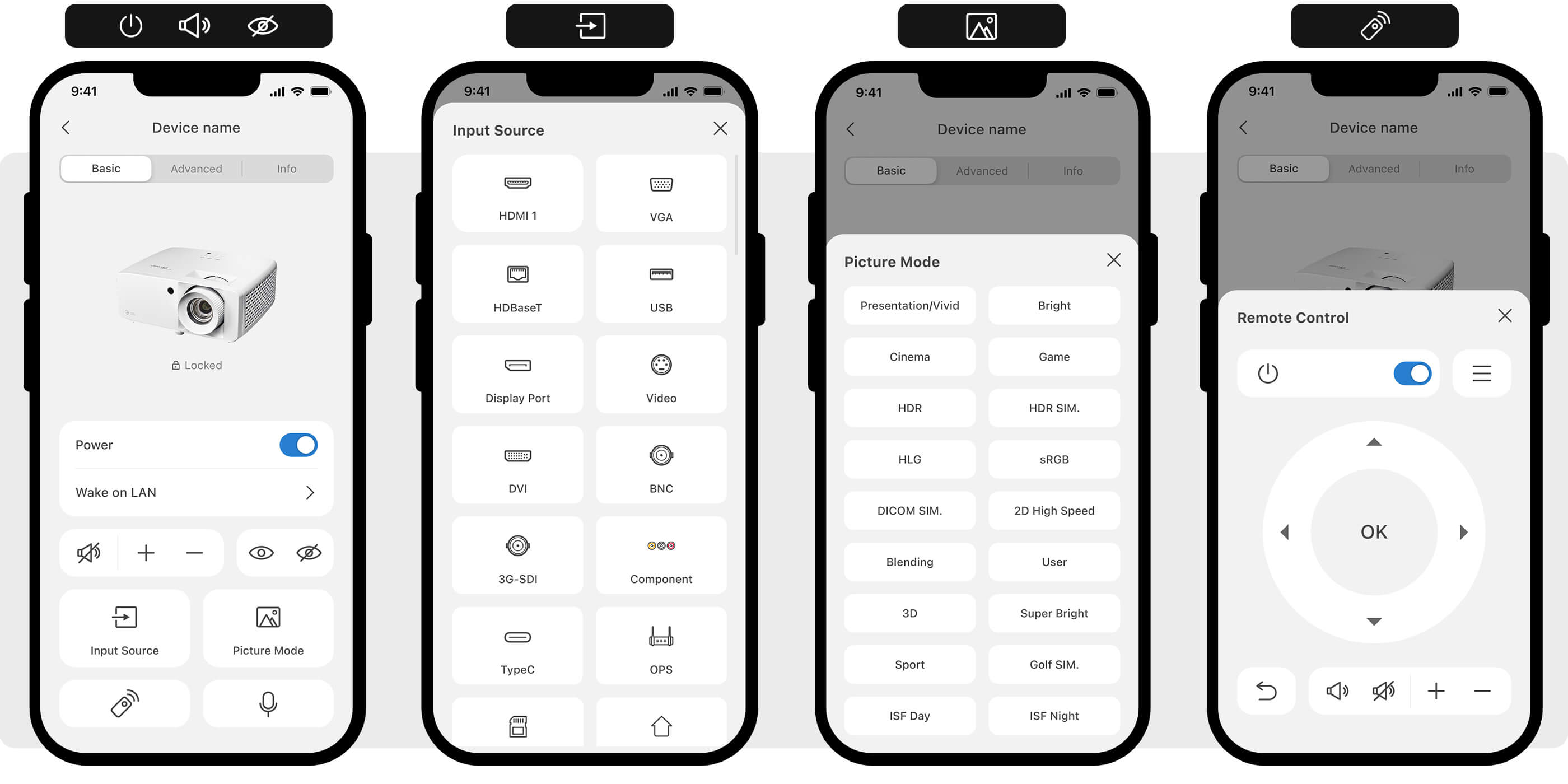
Control basic device functions such as power on/off, input source switching, status alerts, volume, AV mute, picture mode, and remote control.
Control devices effortless with just few taps

Smart Screen Alignment for Quick Installation

(Available for select projectors - see product web pages for details).

Dedicated Picture Mode for Golf Simulation Software

The Optoma Smart Control mobile app provides purpose-built display tuning for third-party golf simulation software such as GSPro, delivering a more realistic, visually accurate, and immersive experience. Simply apply the dedicated mode via your mobile device.
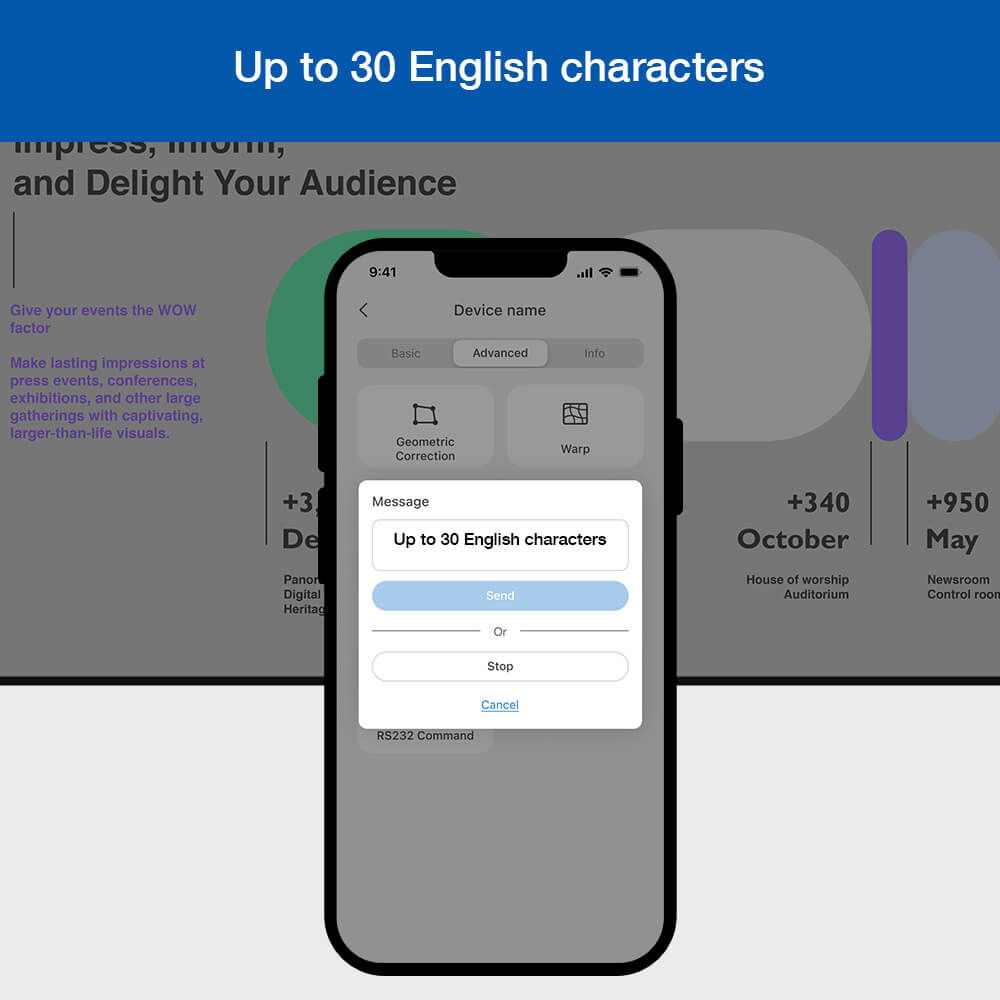
Message Broadcast made easier. Simply types words and send it out for simple announcement.

Message Broadcast Made Easier

Supports on-screen messages (up to 30 English characters), allowing administrators to instantly broadcast messages or notifications to multiple devices for real-time communication.
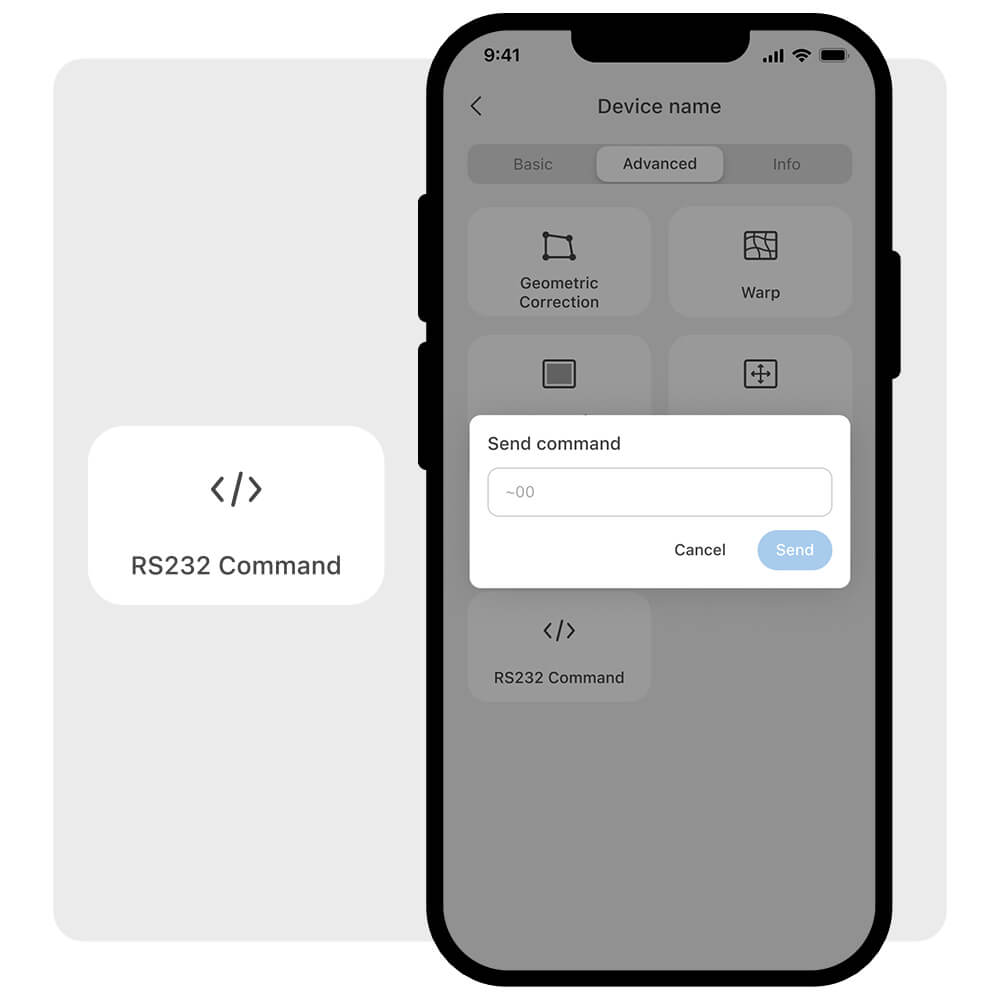
Optoma Smart Control RS-232 command

Control More with RS-232 Command

No laptop. No hassle. Easily enter RS-232 commands from your mobile phone to unlock advanced control beyond standard built-in features.
Specification
OS Requirement
OS Requirement
iOS 17 or later; Android 12 or later.