We use necessary cookies to make our website work. We’d also like to use analytics and functional cookies which help us make improvements to the website by measuring how you use it, and to enable our website to offer you additional functionality.
More information on how we use cookies can be found in our cookie policy.
Cookie Preferences
About Cookies on This Website
We use a combination of cookies to ensure our website functions properly, improve your experience, and better understand how our services are used. Some cookies are essential to run the site, while others are optional and used to enhance your visit. You can find more detailed information in our Cookies Policy.
Strictly Necessary Cookies
These cookies are essential for the core functionality of our website and cannot be turned off. They include features such as:
- Enabling page navigation and secure access to areas of the site
- Saving your cookie preferences
- Preventing fraudulent activity and safeguarding your data
Without these cookies, the website may not perform correctly.
Functional Cookies
These cookies allow the website to remember choices you make and provide enhanced, more personalized features. For example:
- Allowing you to interact with embedded content
- Providing you various web services, including ability to watch a video
These cookies help create a more seamless and customized browsing experience.
Analytics Cookies
These cookies collect information about how you use our website. They help us:
- Measure site performance, such as page load times and error rates
- Identify popular pages and content
- Improve user interface and content relevance based on usage trends
We use these insights to optimize the overall usability and effectiveness of the site.
Marketing Cookies
Marketing cookies track your browsing habits to help us build a profile of your interests. This enables us to:
- Deliver personalized ads and promotional messages
- Provide content recommendations tailored to your preferences
- Measure the effectiveness of marketing campaigns across different platforms and devices
- Enhance our understanding of audiences and improve our products and services accordingly
Educational Resources, Guides, and Training | Optoma USA
Educational Resources
Welcome to Optoma's Educational Resource Center!
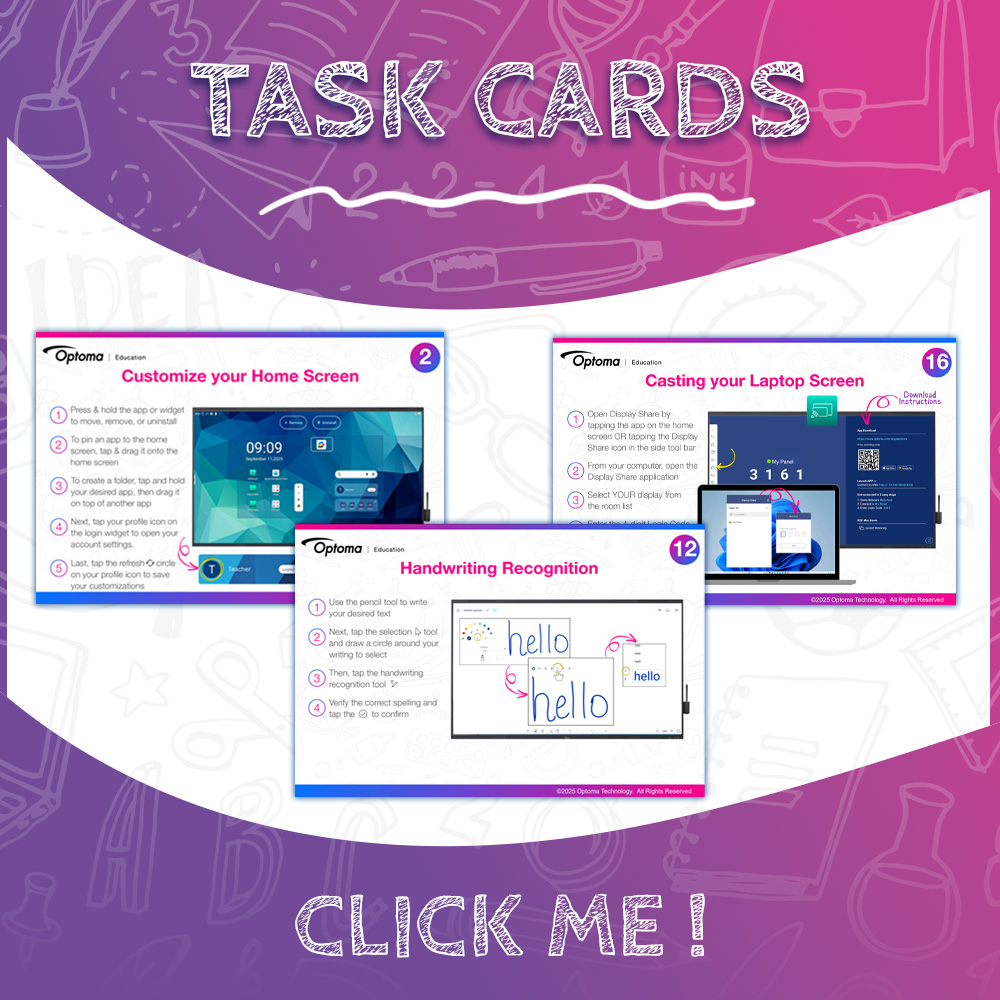
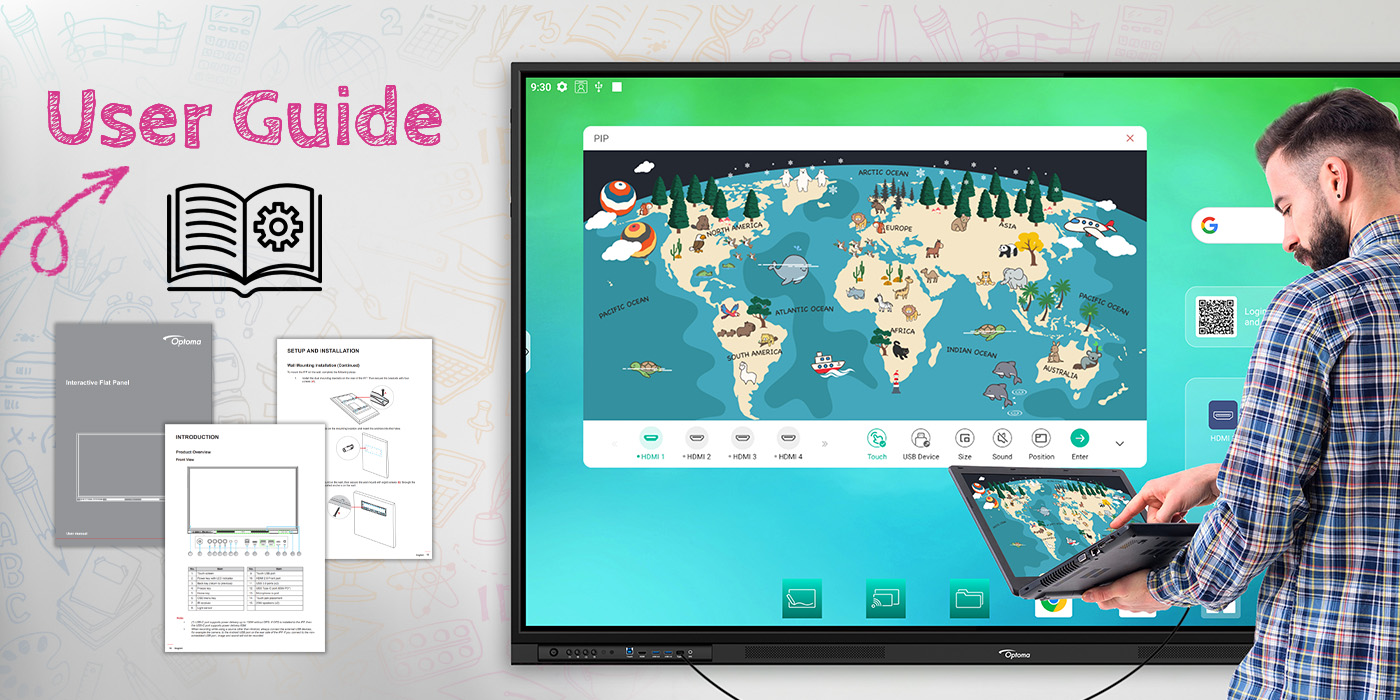
Explore curated resources, guides, and training support designed to empower educators.
With more than 25 years of visual technology innovation and experience, Optoma provides adaptable visual solutions that empower users through simple and easy to-use technology. Optoma offers schools an ecosystem of visual hardware and software solutions that create a collaborative, intuitive and productive classroom environment – from interactive, LCD and DvLED displays, to projectors and management software.
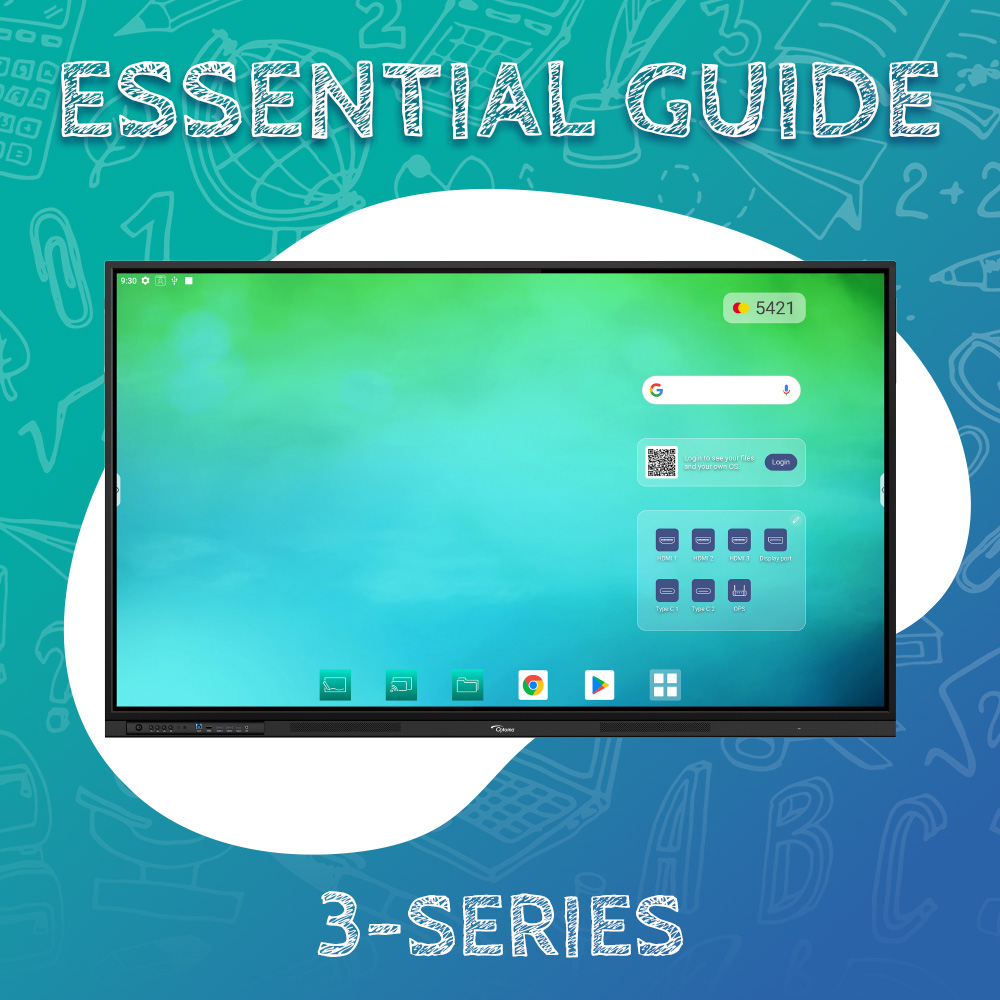
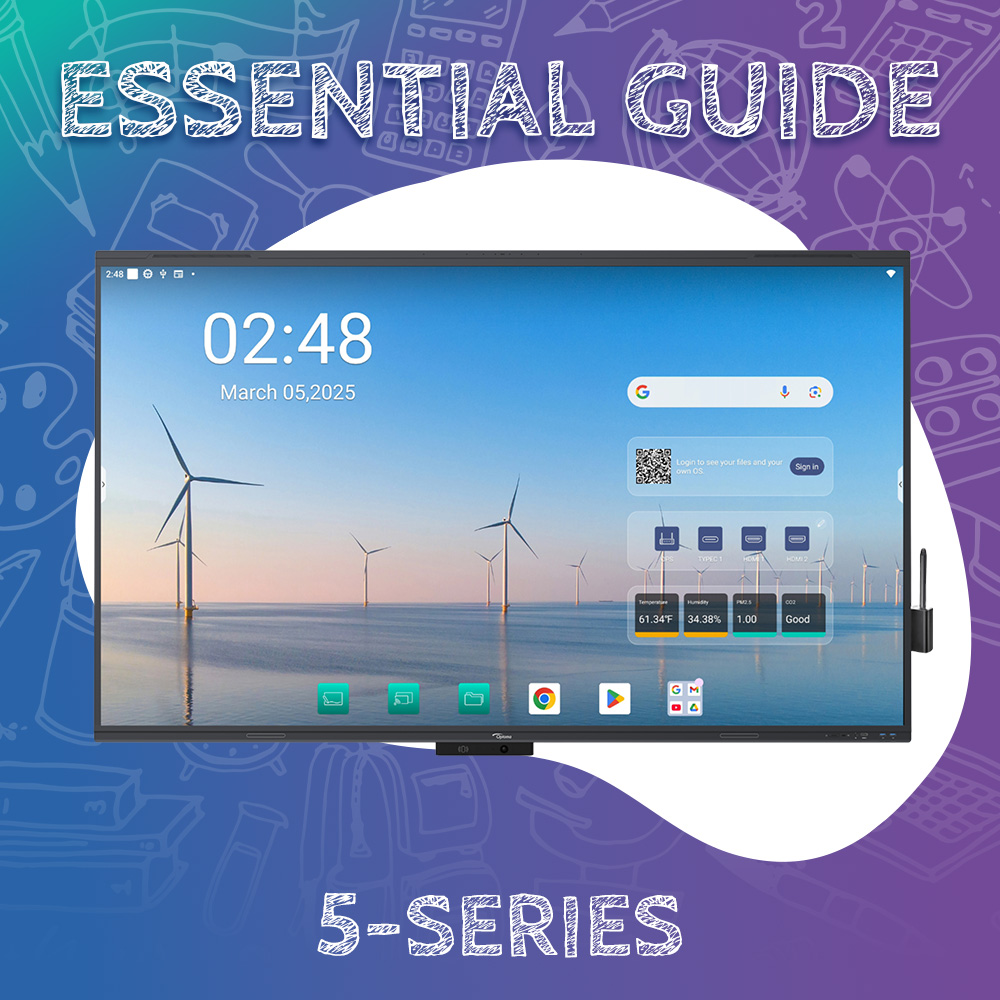
Optoma’s interactive displays are designed to transform your classroom into an engaging and
interactive learning space.
Video Tutorials
Personalized playlists for every need
Creative Touch Interactives
EDLA Certified
Advanced security measures and seamless integration with the Google ecosystem, including Google Workspace, and Microsoft 365 suite. Access Google accounts, files, and collaborative tools directly from the display.
Functional and Marketing cookies must be enabled to view this video
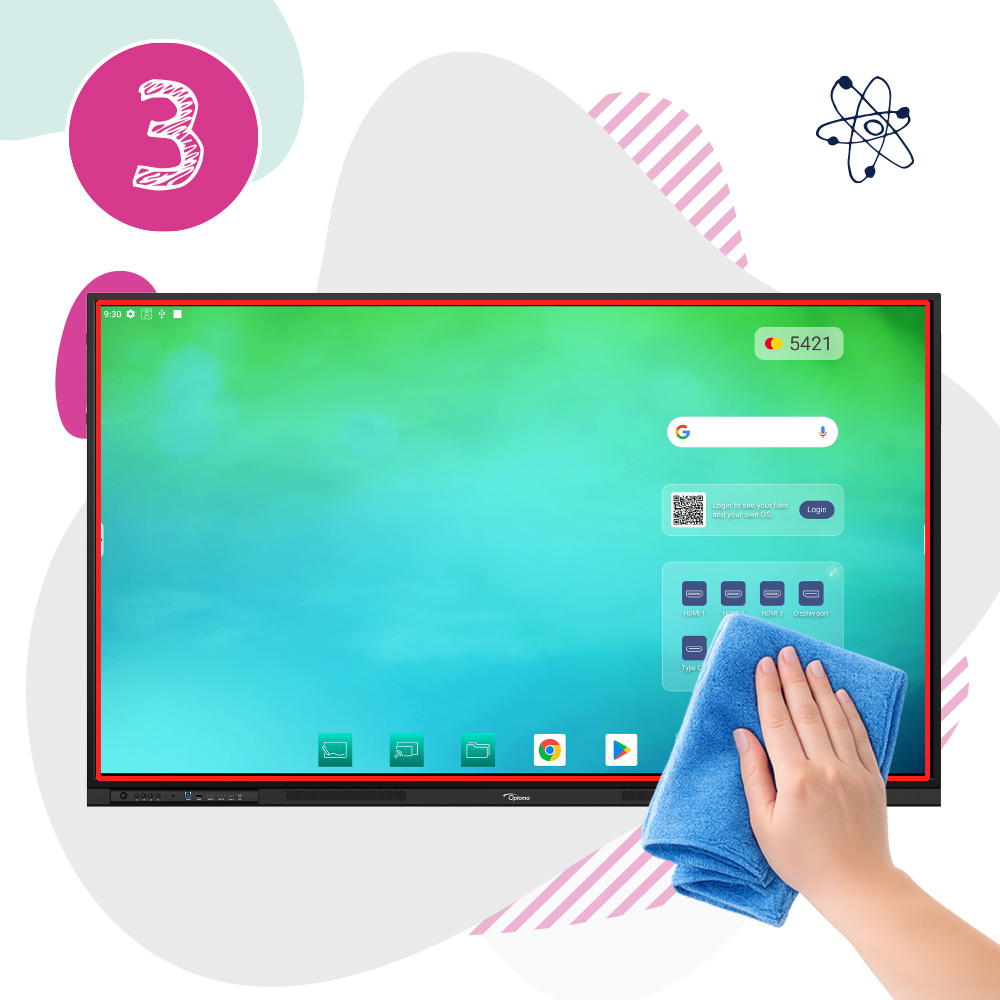
*Avoid ammonia, bleach, harsh soaps, coarse cloths, and direct spraying to prevent liquid from damaging touch sensors in the future
Step One
Mix a 50/50 solution of isopropyl alcohol and water.
Step Two
Spray on a soft microfiber cloth.
Do NOT spray directly on screen.
Step Three
Turn off and unplug your display.
Wipe gently and avoid touching the outer frame.
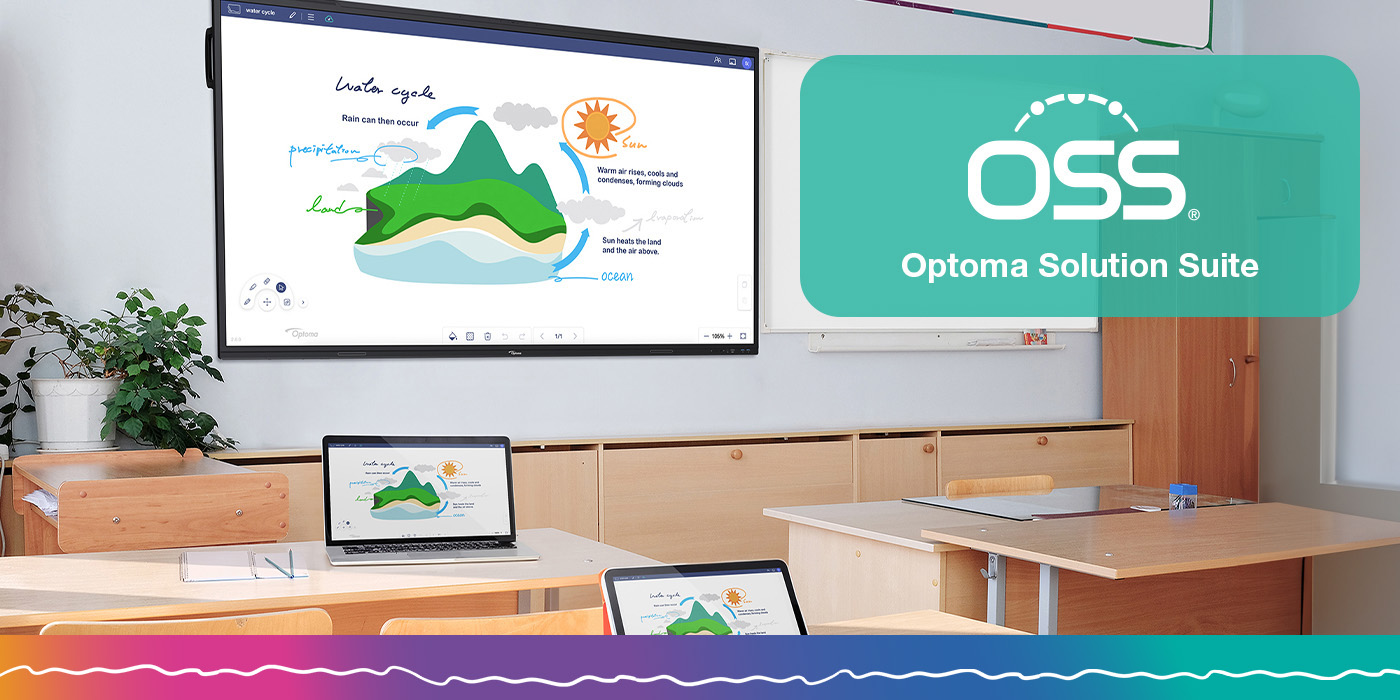
Optoma Solution Suite (OSS)
Provides cloud-based solutions designed to enhance collaboration. Optoma's exclusive portfolio of programs includes Whiteboard, File Manager, and Display Share 2 – all designed to make your life easier and more efficient. Whether you're looking to organize your files, create engaging presentations, or streamline your workflow, the Optoma Solution Suite has everything you need.
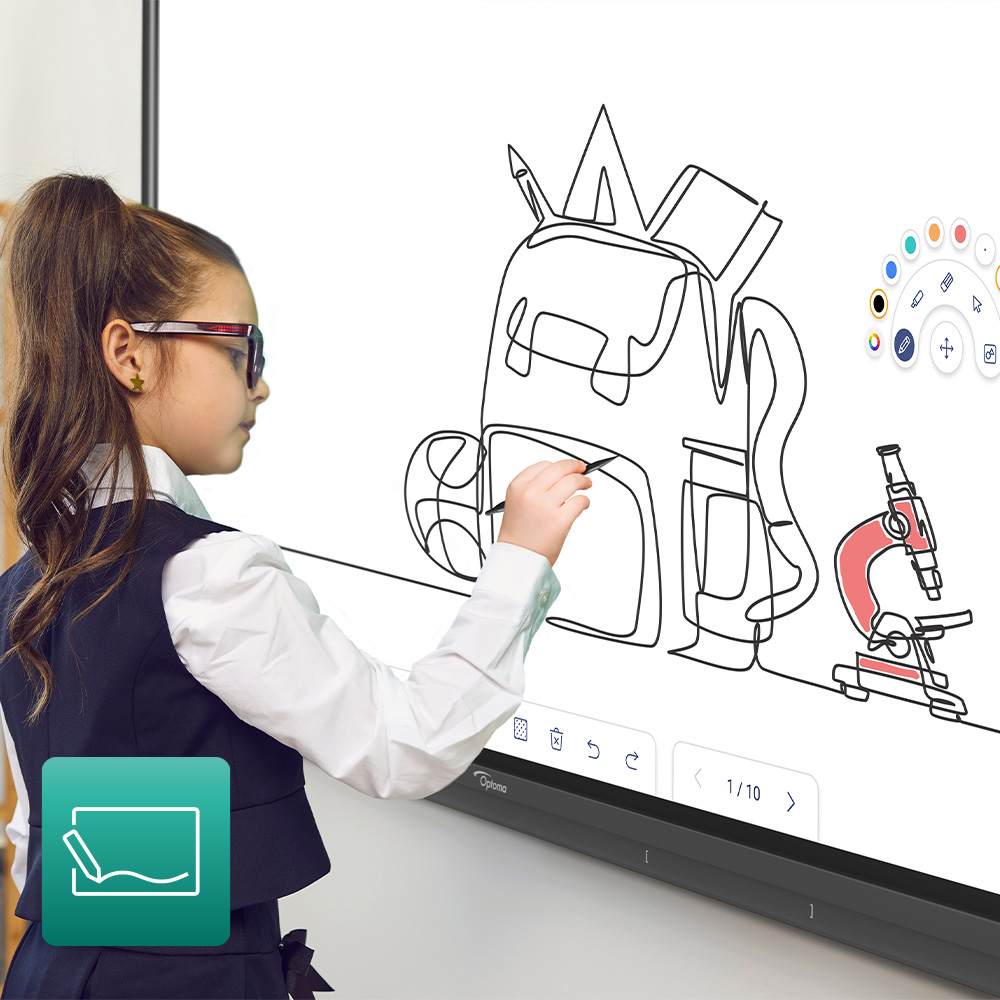
Designed for hybrid working - Whiteboard provides smart collaboration and connectivity for any classroom.
Creative sharing is easy with a ready-to-use whiteboard featuring built-in annotation tools to facilitate collaboration and an infinity canvas for limitless creativity. The feature-packed Whiteboard brings tools such as rulers, 3D shapes, and even robust import options right at your fingertips.
Whiteboard is optimized for Google Classroom integration, bringing you instantly closer to your class materials that allows your infinite canvas to grow with you.
*Users need to connect a keyboard and mouse to take full advantage of the interactive functionality on the N-Series and projectors.
Functional and Marketing cookies must be enabled to view this video
Display Share 2
Optoma Solution Suite (OSS)
Wirelessly broadcast, share or stream your content to the big screen with Display Share 2. Screen mirror high-quality images, video, documents and audio from your smartphone, laptop or PC - all with a touch of a button.
Functional and Marketing cookies must be enabled to view this video
File Manager
Optoma Solution Suite (OSS)
Easily save files, organize them or move them from local storage to networkable storage. Even move files to popular cloud services in seconds (Drop Box, OneDrive and Google Drive).
Functional and Marketing cookies must be enabled to view this video
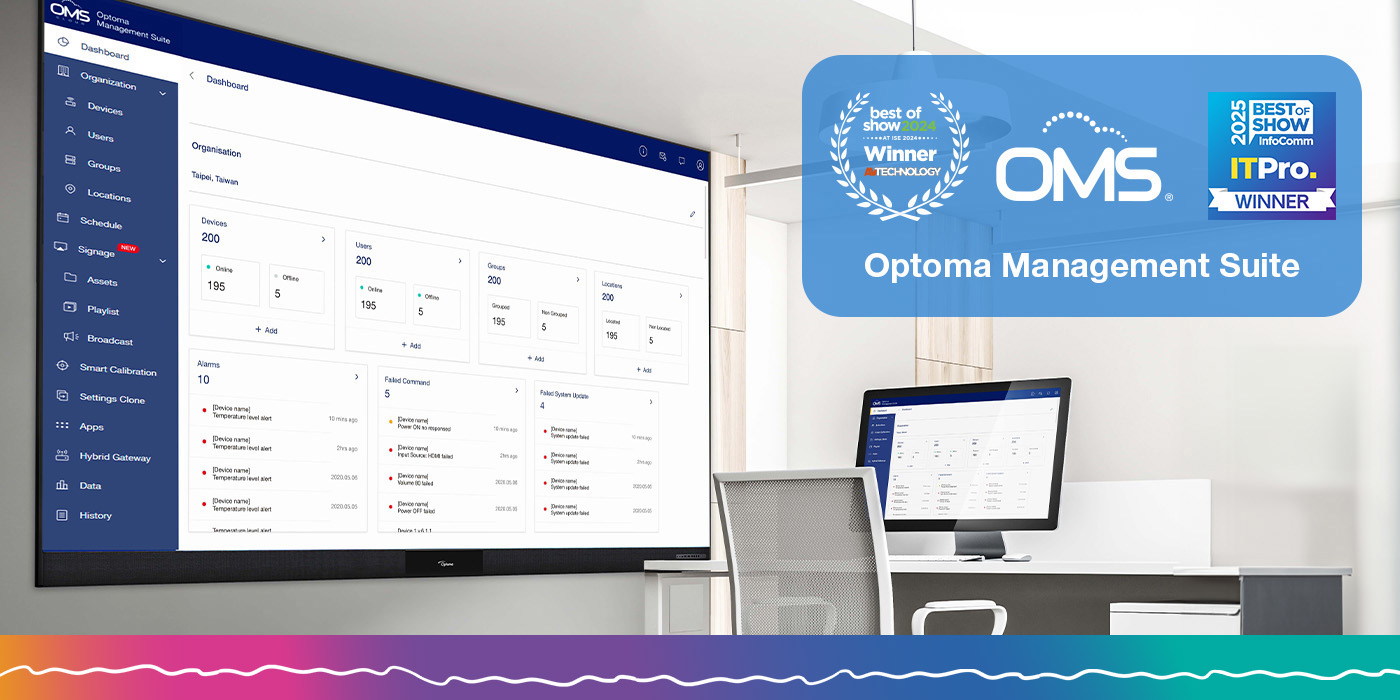
Optoma Management Suite (OMS)™
An intuitive display management solution, designed to streamline operations by monitoring, diagnosing and controlling audio visual displays via a local area network and wireless connectivity from a single platform and location.
YOU ARE ABOUT TO EXIT www.optomausa.com FOR OUR REGION-SPECIFIC WEBSITE THAT IS INTENDED FOR THE RESIDENTS OF A PARTICULAR COUNTRY OR REGION.
Please be aware that the region-specific website you have requested has unique or additional terms, privacy policies, cookie policies and/or consent forms. If you do not fully understand or agree to the terms, privacy policies, cookie policies, and other relevant information of that website, you should immediately stop accessing, visiting or otherwise using that website.